.svg)



.svg)


Your Isolated Workstation is Just One Swipe Away.
Choose the only Type 1 hypervisor running multiple
isolated environments locally without UX compromise.





Sure, you can let your employees juggle devices
Or you can let them switch between isolated environments with a single swipe.



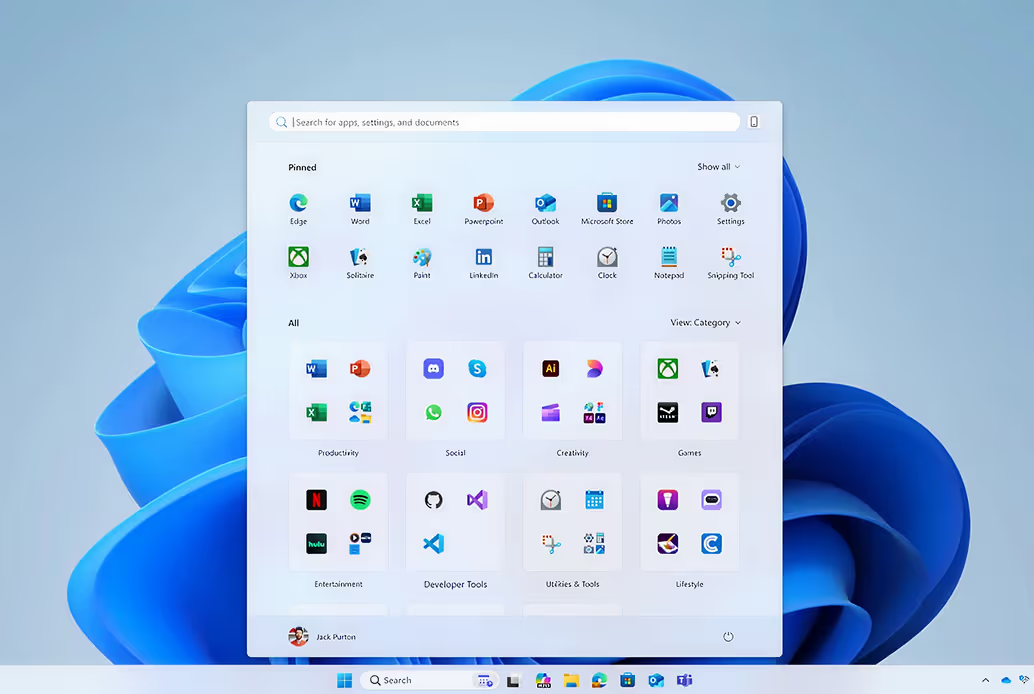
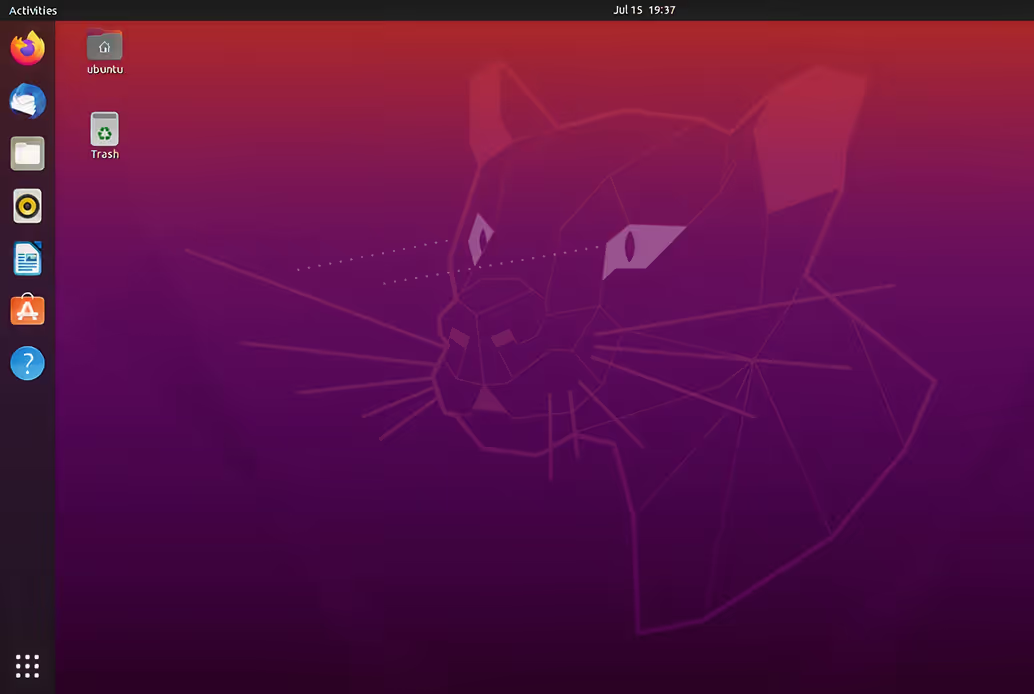

Employees resent clunky IT.
Yours will thank you.

“ Kerys has finally provided our developers with an environment that is both tailored to their business needs and pleasant to use ”

“ We've been waiting for a solution like yours for 15 years ”

“ We can now cut down our device fleet and keep our maintenance work secure ”

Isolate with
Full Performance
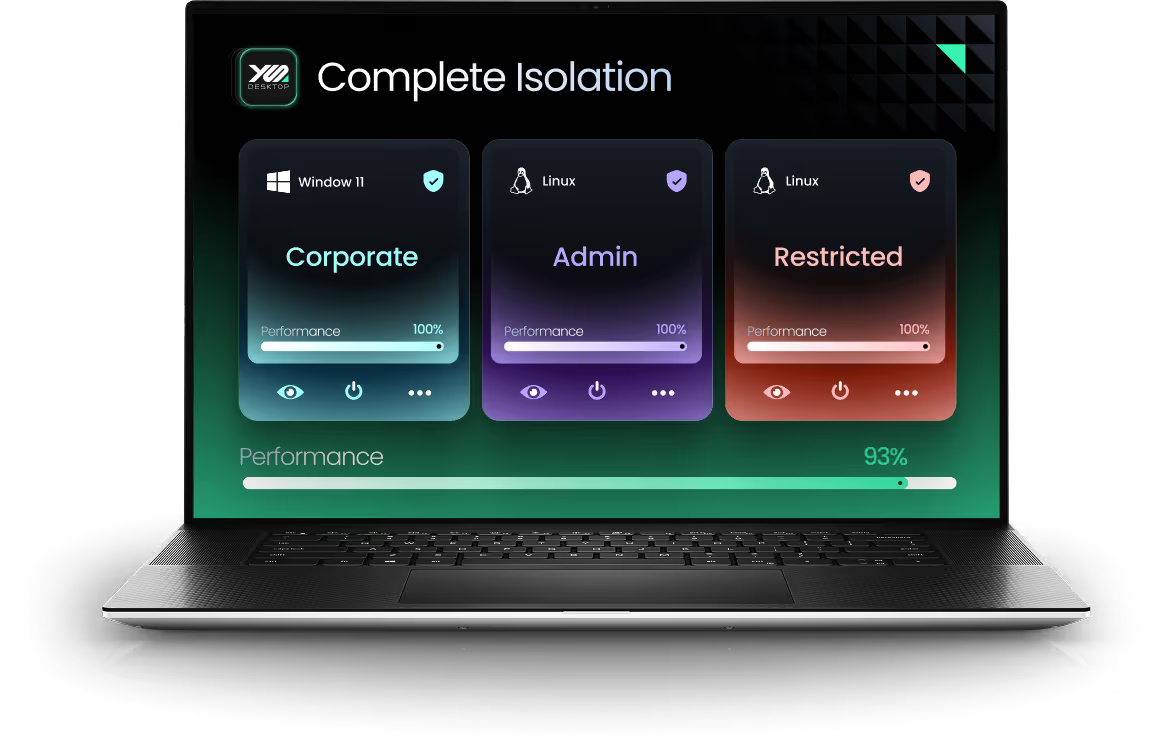
Most virtualization platforms promise isolation but trade it for performance.
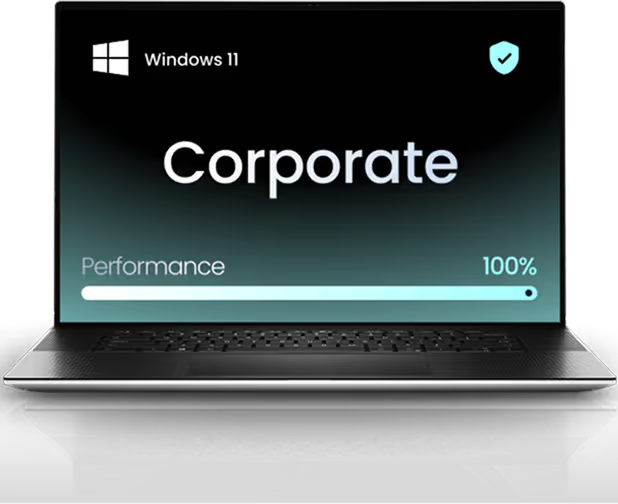
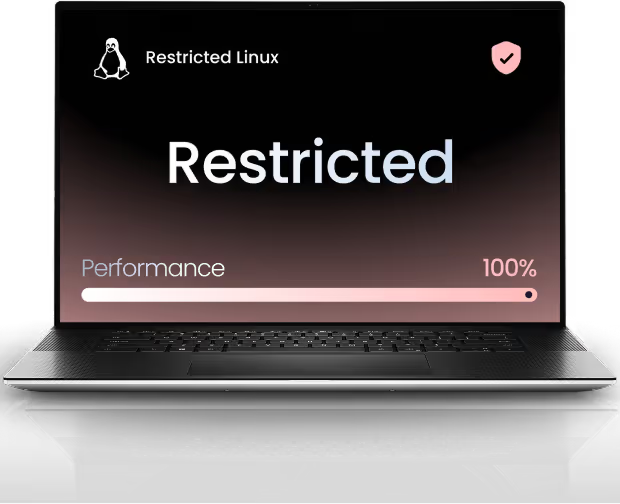
With YS::Desktop, isolation and performance finally work on the same team. By separating CPU cores dedicated to the hypervisor and virtual machines, and applying hypervisor-level encryption, the solution prevents side-channel attacks without slowing anything down.


Manage Everything
Centrally
In large organizations, IT teams drown in the complexity of multiple systems, isolated networks, and half-controlled endpoints.
YS::Desktop changes that. Instead of managing disconnected machines, you manage one unified platform built around Security Domains that make every VM visible, governed, and compliant by design.

Central Management Console

Corporate Domain


Development Domain


Restricted Domain

Overcome network
Constraints
IP address management and system segmentation should no longer limit your teams' productivity
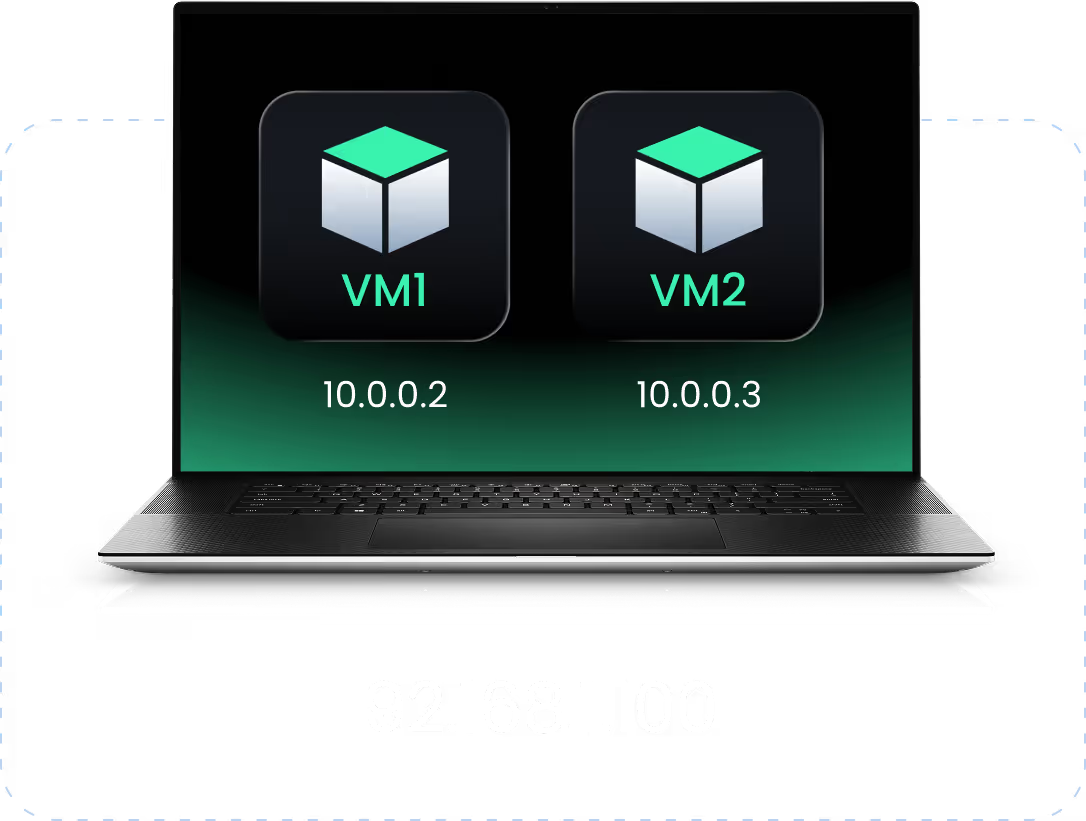
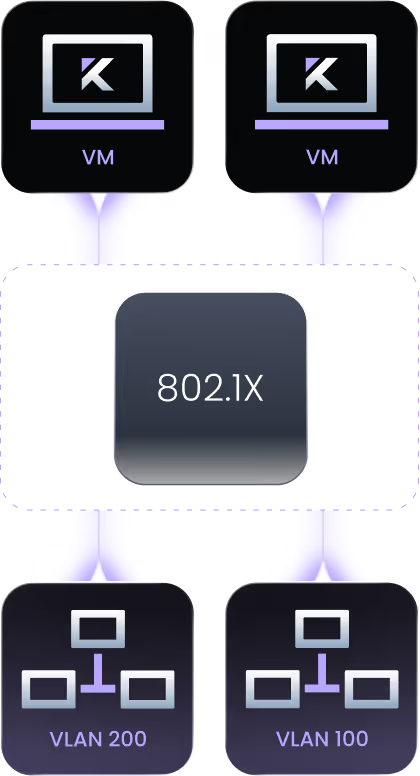
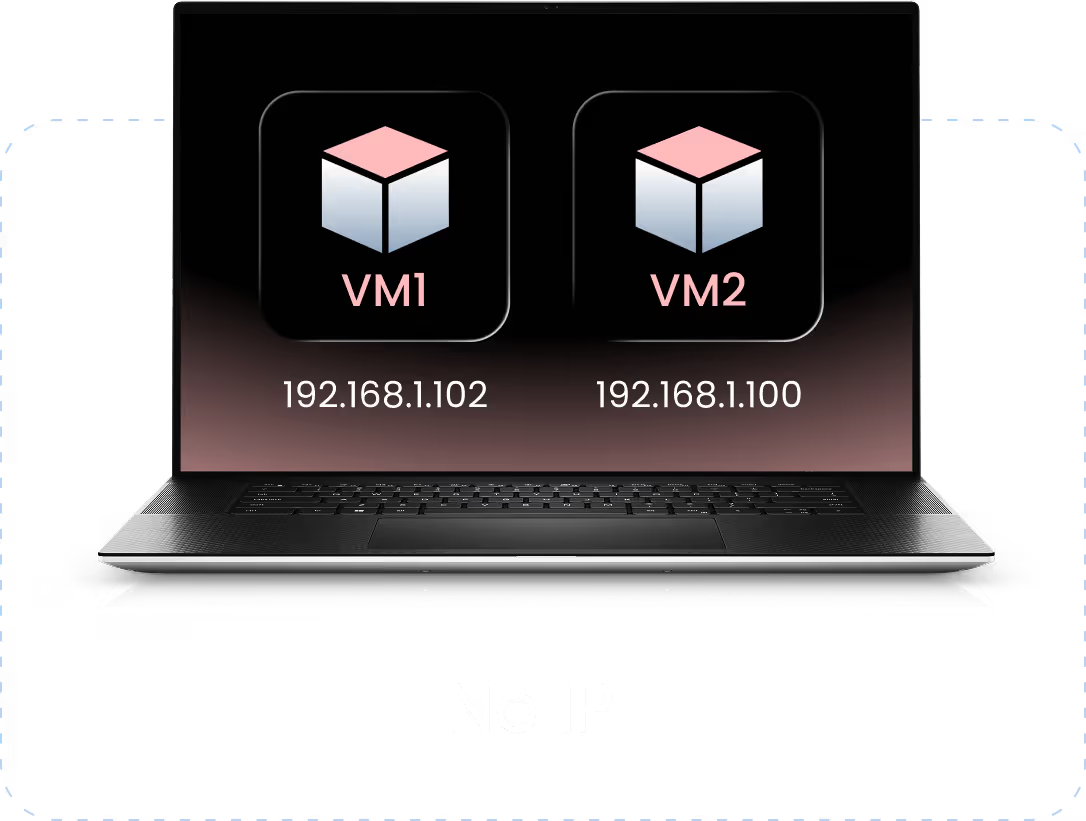
With YS::Desktop, you choose between two operating modes: NAT, which assigns one IP per workstation, and Bridge, which enables native IP access. VLANs are fully supported and fit right into your existing infrastructure.Your Static IPs stay compatible with legacy PLCs.
NAT Mode
VLAN Support
Bridge Mode



Ready to isolate
Without Compromise?
Live walkthrough by specialists who've solved this for teams like yours.
Our latest Blog Posts




Frequently Asked Questions

.svg)