.svg)


.svg)


Your maintenance teams are in the field. Their workstations are not ready. The site stops. You get the call
YS::Desktop is a workstation virtualization platform built for the field. As IT/OT convergence accelerates, maintenance workstations need to meet both operational and security requirements. Works offline. Updates remotely. Connects directly to industrial equipment. Always ready when the intervention starts.

Traditional maintenance workstations
are no longer adapted to the field.
Three signs that your maintenance setup hasn't kept up.
OT workstations can't be updated like standard machines. By the time a technician needs one, it's outdated. And an outdated machine in the field is one critical task away from crashing.

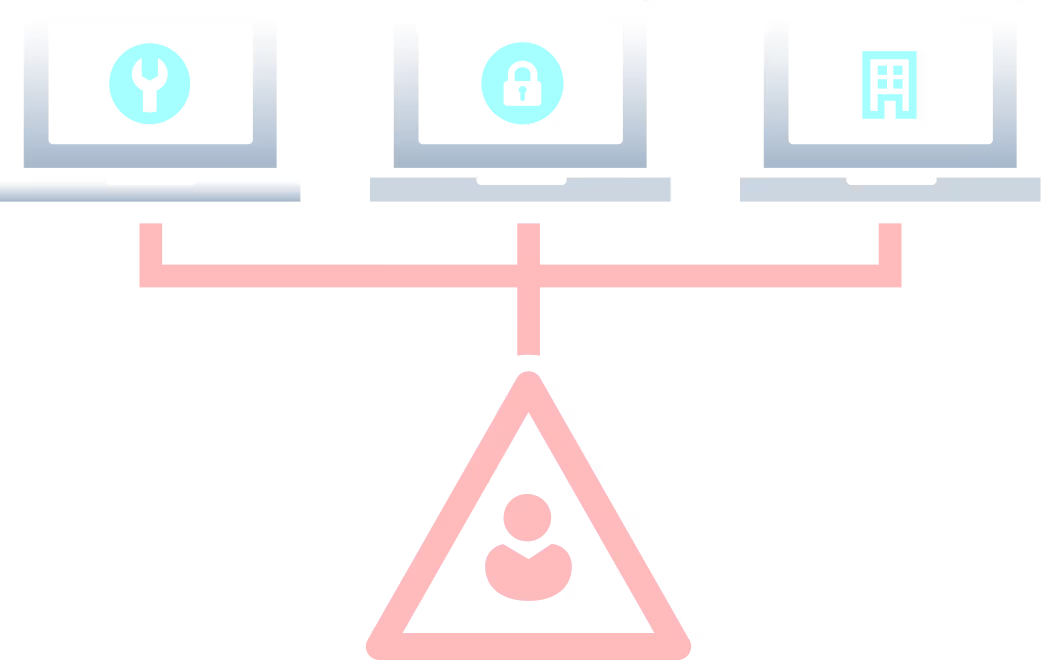
Maintenance, admin, daily use. Each requires a dedicated machine. The cost, the logistics, and the complexity of managing three separate workstations per person adds up fast across an entire fleet.
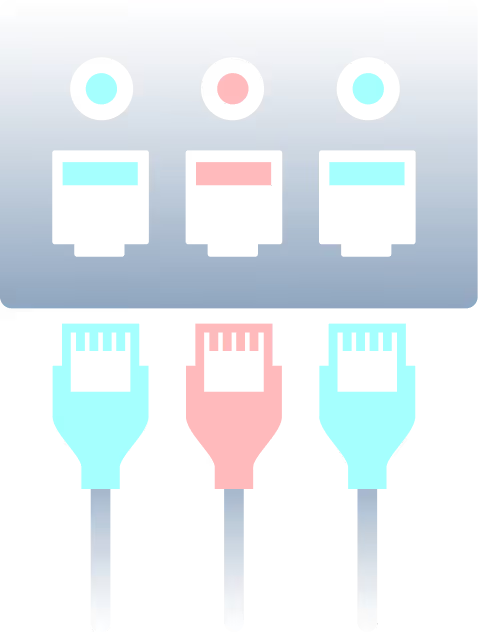
Under pressure, technicians could make errors. A file opened on the wrong environment, a cable plugged into the wrong port. IEC 62443 and NIS2 mandate strict separation. But no regulation prevents a human mistake.

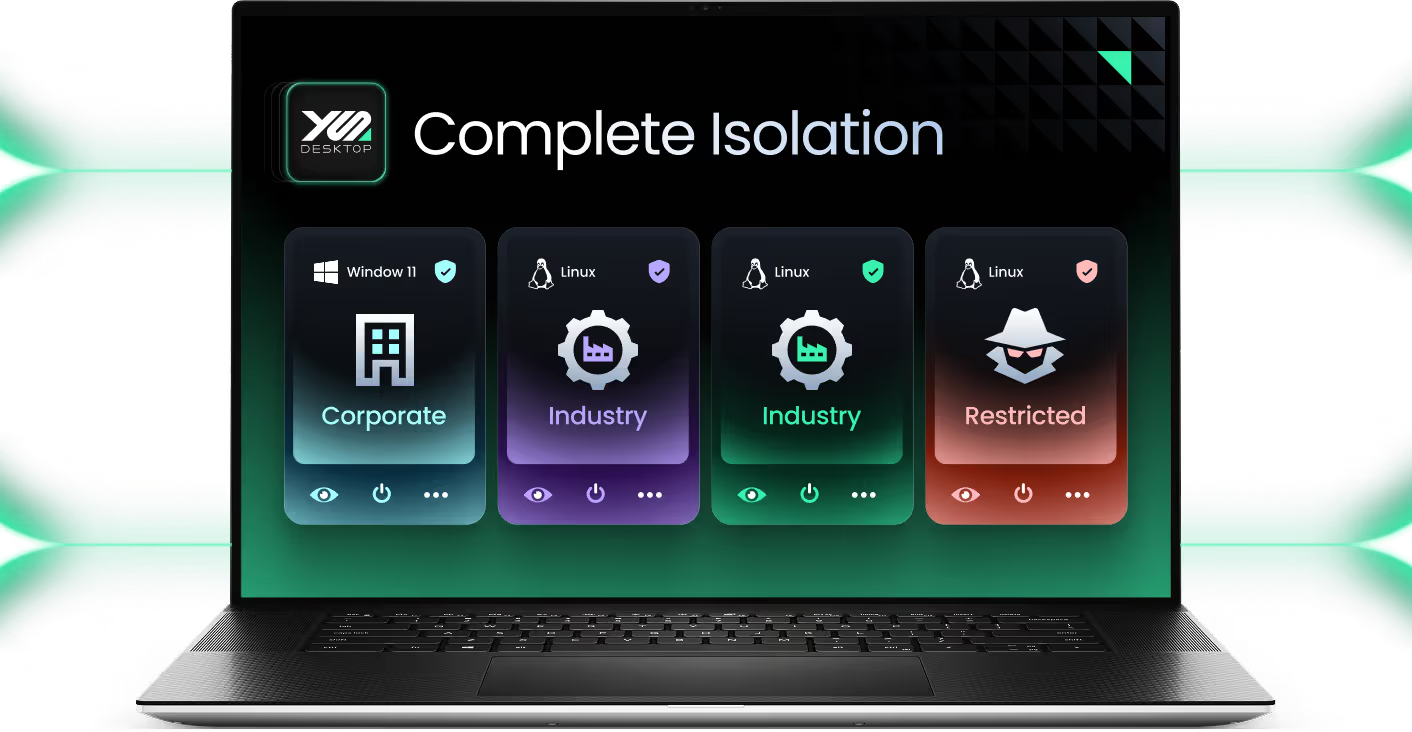
One workstation. Multiple isolated environments. Always operational.
The maintenance environment and the operational environment never interact. Each runs its own tools, its own network policy, its own security rules.
.avif)
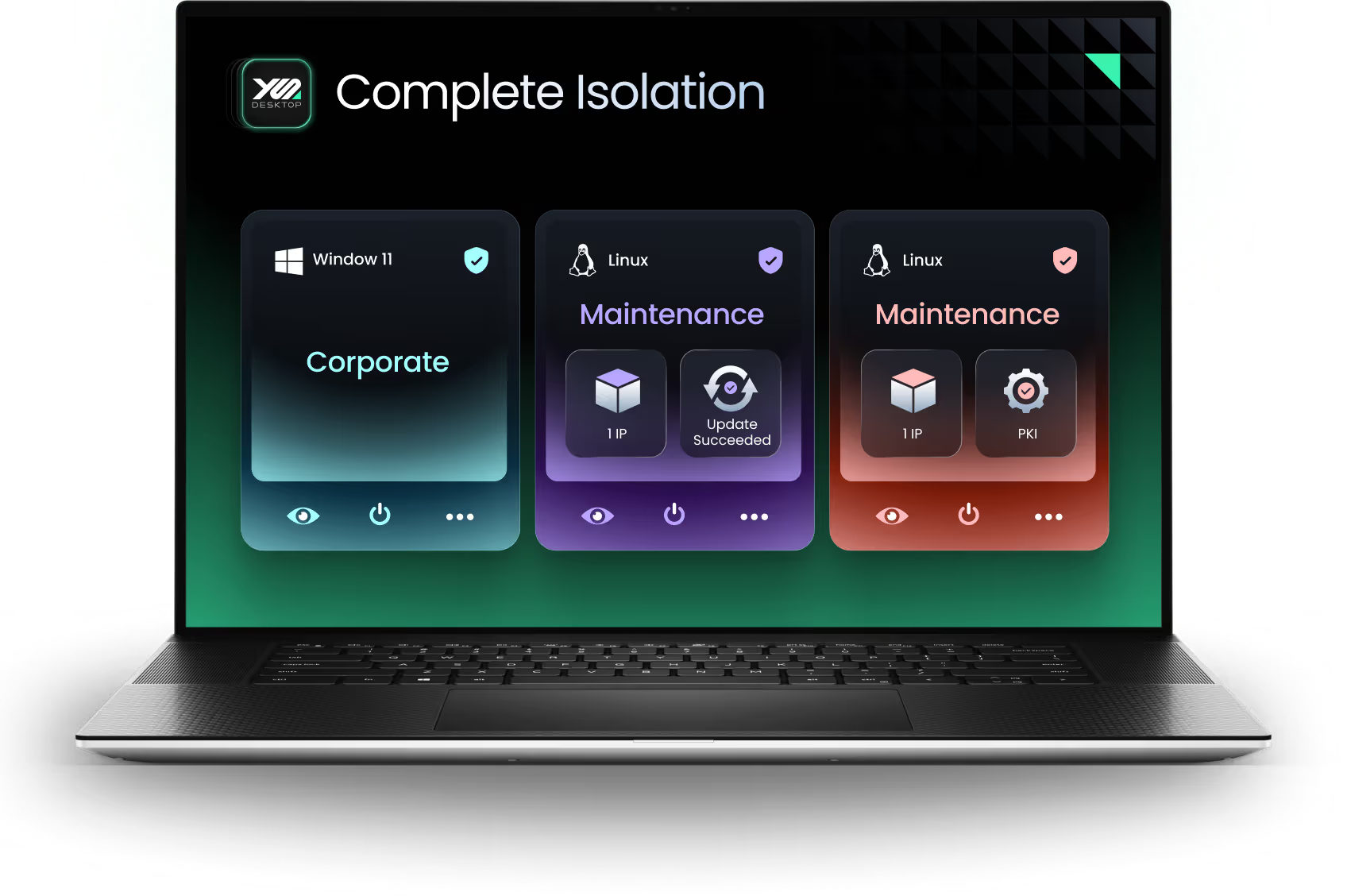


Switch between environments in one swipe, making the secure path the natural path, even under pressure
.svg)

Connect directly to industrial equipment. Bridge mode, manual IP, non-standard NICs.
Every workstation updated remotely from a central console. No on-site visit needed.
PKI support available for environments requiring trusted authentication and top-level security compliance

What you can actually do
with YS::Desktop
Each capability addresses a specific failure point of traditional maintenance workstations.
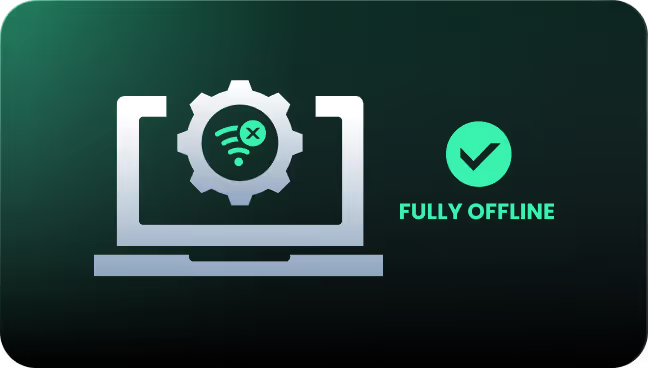
Work fully offline, without any loss of functionality
YS::Desktop runs locally on the workstation hardware. No network dependency, no remote session. Maintenance teams have full access to their tools in any environment, connected or not.
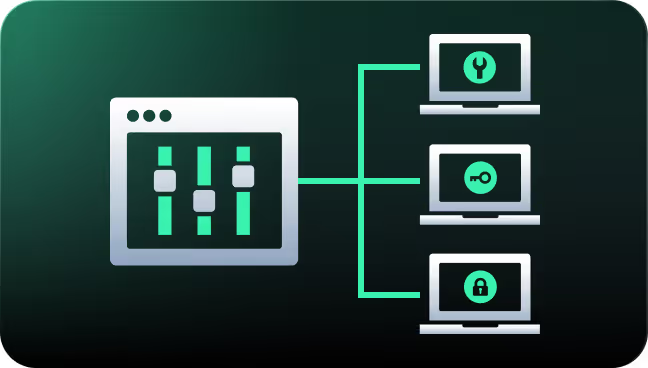
Update every maintenance workstation remotely, without a single on-site visit
The fleet console centralizes update management across all workstations, regardless of location. IT pushes configurations, patches, and policy changes remotely. Machines are always current when a technician arrives.
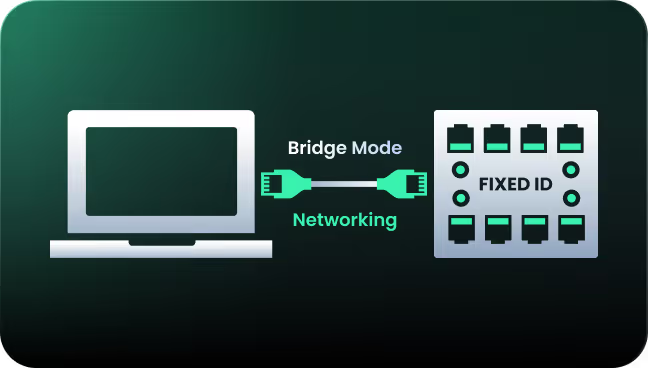
Connect directly to PLCs, SCADA systems and automates with fixed IP assignment
Bridge mode networking supports manual IP assignment, matching the fixed IPs of industrial equipment. Direct cable connections with non-standard NICs ensure full compatibility with PLCs, SCADA systems, and any critical on-site infrastructure.
Enforce trusted authentication with full PKI support
Every access to the maintenance environment is authenticated and authorized through PKI integration. For environments that require it, every access to maintenance tools is authenticated and auditable. Meets IEC62443 and NIS2 requirements for critical infrastructure operators.
Faster maintenance.
Lower risk. Greater control.
The outcomes that matter to a CIO managing critical infrastructure and industrial sites.
Maintenance workstations are always updated, always ready. Technicians arrive with a machine that works. Not one that needs an hour of preparation before the intervention can start.
Fleet management centralizes all updates and configurations remotely. IT stops traveling to fix machines and starts managing infrastructure from a single console.
No crashes mid-intervention. No connectivity issues blocking access to tools. No security exceptions to request. The workstation works. The team works.
One swipe to switch environments. The secure path is the natural path. Technicians work the way they always have. The isolation happens by design, not by discipline.
Maintenance and operational environments never interact. Sensitive tools, PKI credentials, and industrial data stay contained. No lateral movement, no misconfiguration risk.

“ Kerys has finally provided our developers with an environment that is both tailored to their business needs and pleasant to use ”



The next intervention shouldn't fail because the workstation wasn't ready.
See what it looks like when your maintenance teams arrive on site with a workstation that works. Every time.
.svg)