.svg)



.svg)


Your VMs consume 20 Mbps per user. Your network wasn't built for that.
Traditional virtualization stacks push every VM session through your corporate backbone. Bandwidth costs balloon as workloads grow.
YS::Desktop runs virtualization at the workstation. Network traffic never scales with your headcount.

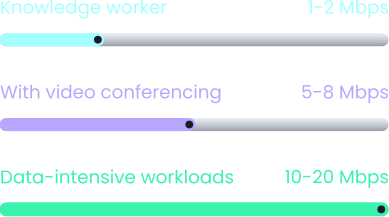
A 100-user site at peak usage can require up to 2 Gbps of guaranteed throughput. That figure grows every year.
.avif)
The reality of
Virtualization Today



What YS::Desktop
Changes




VDI was designed before
bandwidth became a budget line.
Every team managing virtualized environments faces the same compounding problem: each new VM session, each video call, each software update pushes more traffic across infrastructure that was never sized for it.
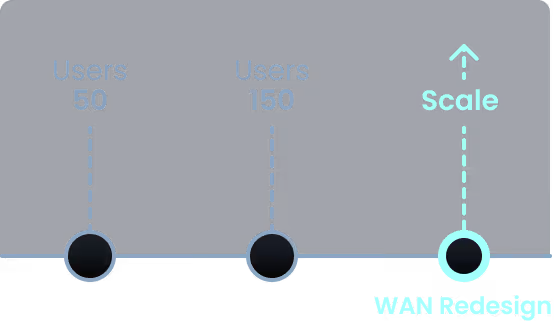
Every new seat is a new throughput commitment on your backbone. At scale, a VDI rollout can mean a complete WAN redesign before a single workstation is deployed.
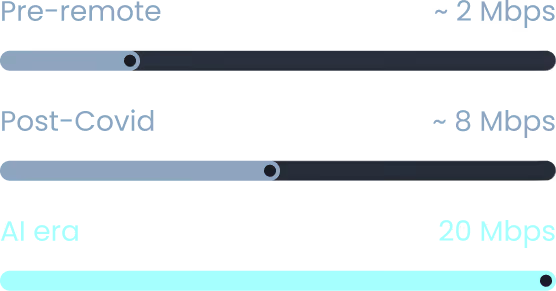
Modern VDI sessions can consume up to 20 Mbps per user, 100× more than legacy terminal workloads. That number keeps growing. Users feel the lag and you end up buying bigger pipes every 18 months.
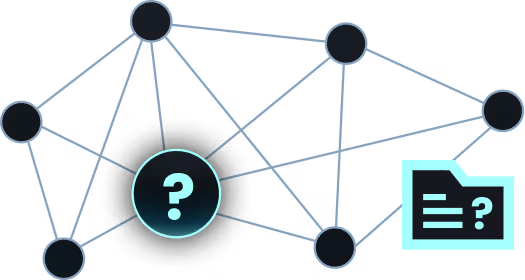
Oversized IP pools, broken VLANs, and shared traffic paths between isolated environments create blind spots. Network segmentation breaks down. Security boundaries blur. And that's a problem regulators don't overlook.

Move compute to the workstation.
Leave the bandwidth problem behind.
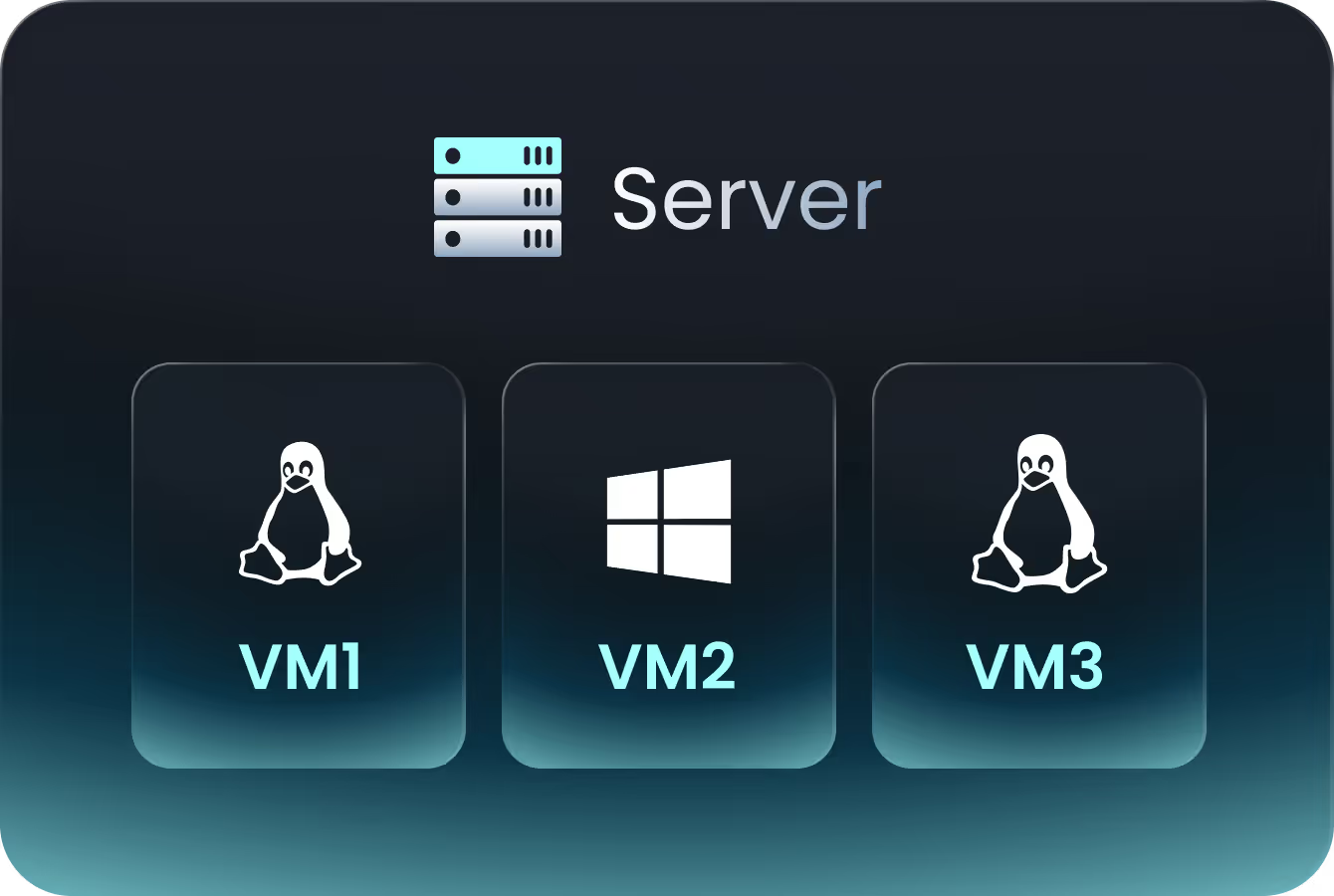
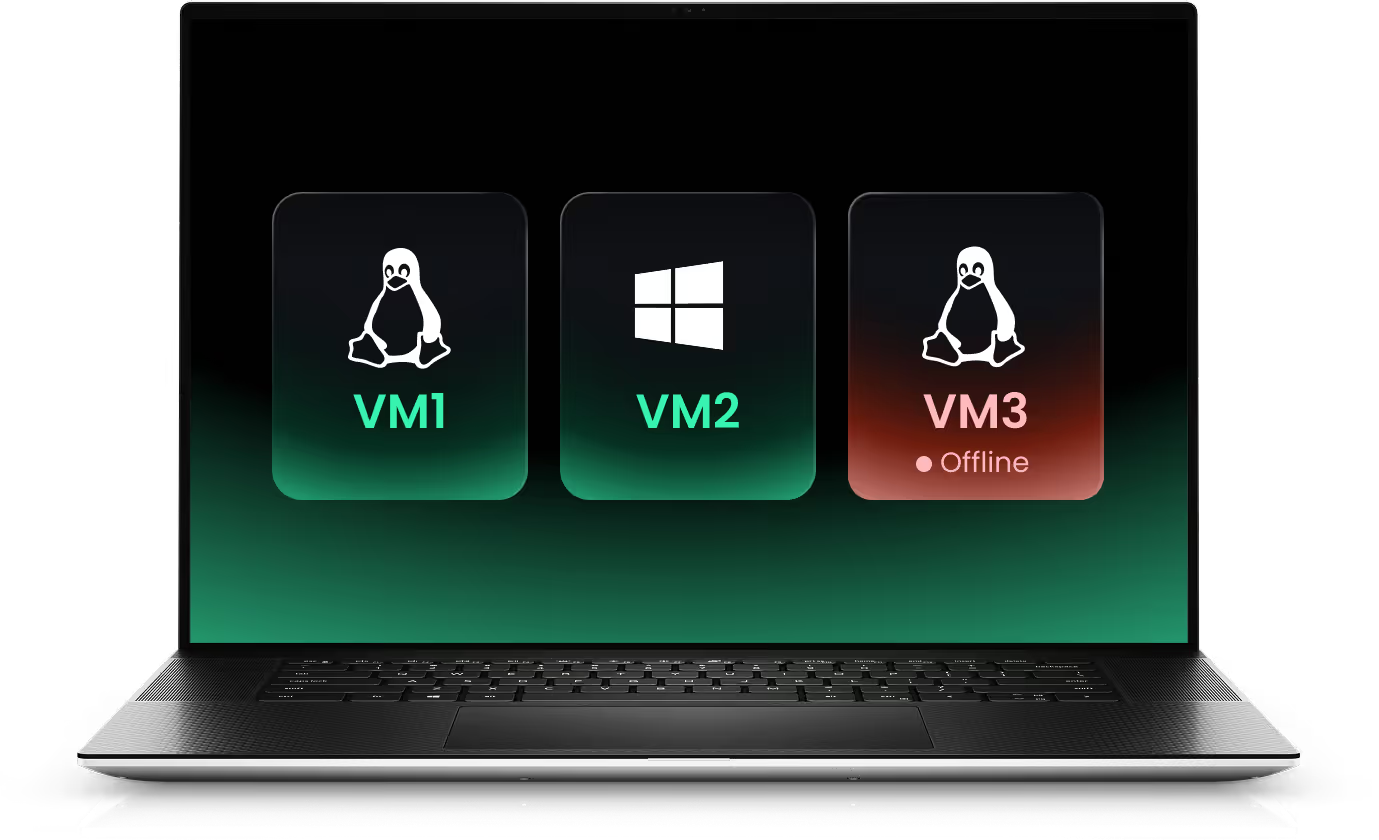
YS::Desktop runs virtualization natively on the workstation, not on a remote server. VM sessions execute locally. Your network carries data, not desktops.
The result : whatever the size of your fleet, your WAN bill stays flat. Users work at the speed of their machine, not the speed of the network. No lag, no frozen sessions, no complaints to manage. And every VM runs with its own network policy, enforced at the hypervisor layer.









Take back control of your network
Four capabilities for infrastructure teams who've outgrown traditional VDI.
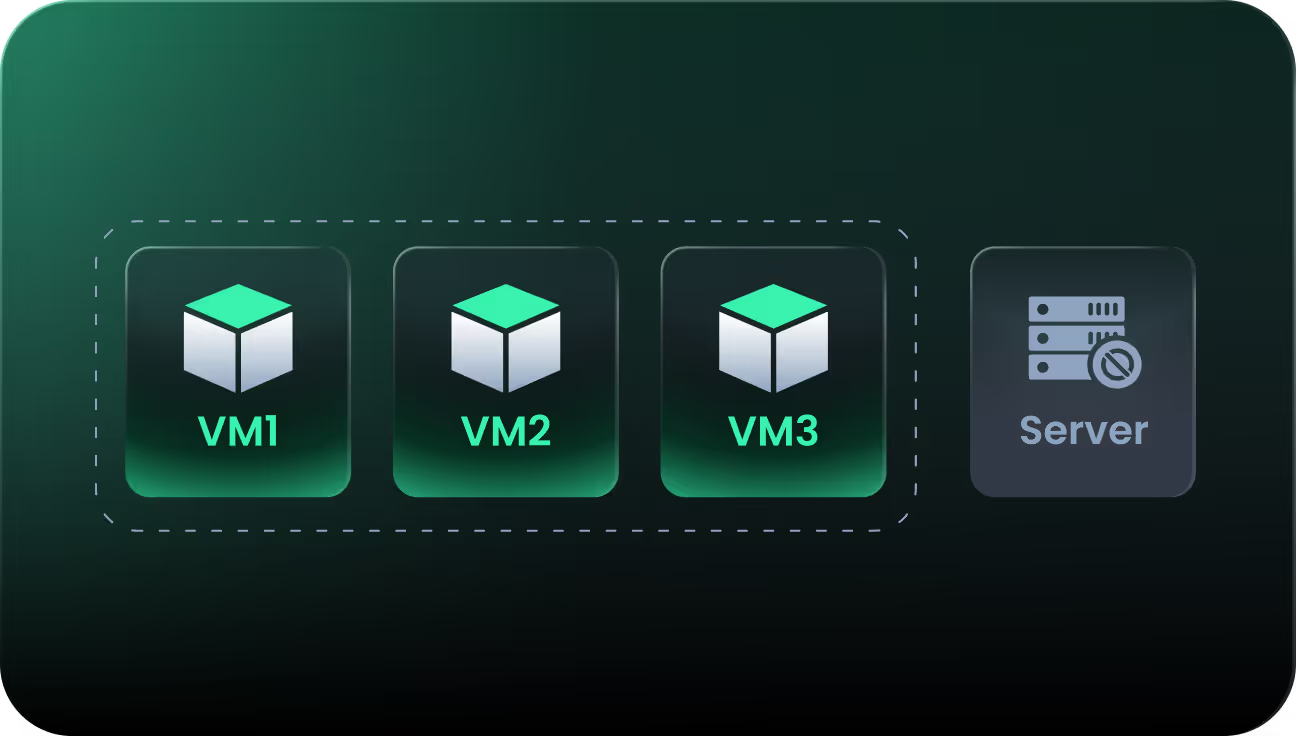
Run fully isolated VMs on any workstation. No additional infrastructure required.
Each VM runs locally on the workstation. No backend server, no shared infrastructure to provision or maintain. Deploy on any machine, immediately operational.

NAT or bridge mode. Your infrastructure, your choice.
In NAT mode, VMs share the host IP and stay hidden from the network. Ideal for isolated tasks or quick tests. In bridge mode, each VM gets its own IP and appears as a physical device on the network. The host NIC stays untouched. Choose based on your context, switch at any time.
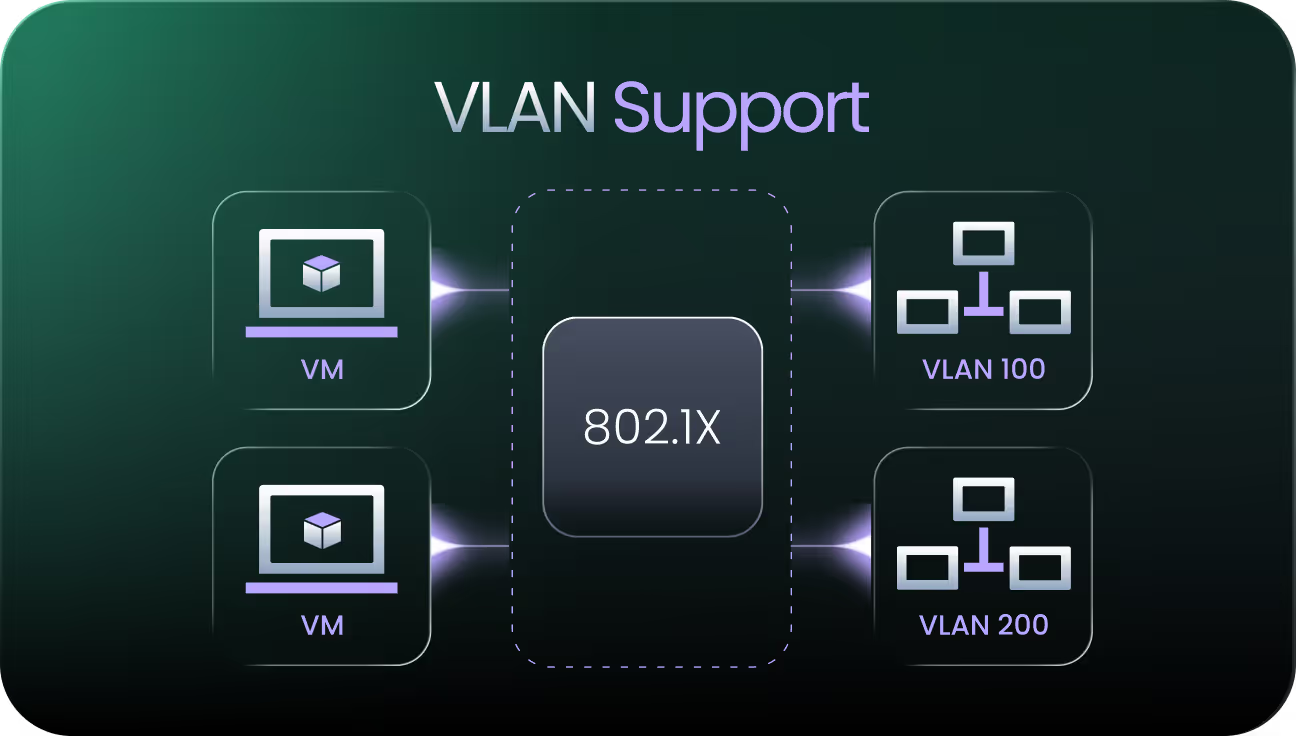
VLAN segmentation. Built for OT, not an afterthought
802.1Q compliance. VLAN tagging follows the VM, not the port. In OT environments where zone segmentation is a hard operational requirement, this is the right layer to enforce it. Compatible with NAC and 802.1X out of the box.

VPN enforcement at the hypervisor layer. Automatic, policy-driven, invisible to the user.
The VPN triggers based on posture or policy conditions, below the operating system. No configuration by the user, no manual tunnel setup. Compliance becomes the default, not a checklist item.
Choose the right
network mode for your environment
YS::Desktop adapts to your network topology, not the other way around.

Isolated tasks, quick tests, air-gapped workflows
VMs share host IP

Production-like setups, networked VMs, regulated environments
Each VM gets its own IP
Segmented or multi-site OT environments, NAC-enforced networks
Follows VLAN ID / tagging rules
Secure, remote, or regulated assets. Always-on enforcement.
Tunnel applied at hypervisor layer
The next era of virtualization.
Already chosen by the most demanding.
From OT environments to regulated financial services, the organizations that can't afford failure are already running on YS::Desktop.



Because VMs execute locally, adding 50 seats doesn't add 50 × 20 Mbps to your backbone. Network investment becomes predictable.
.svg)

One swipe to switch environments. Near-native performance. Works offline.

Each VM runs in its own dedicated resource boundary. No shared memory, no shared CPU cycles, no traffic path between sessions.
IT defines network rules, VPN policies, and access controls from a single interface. No unmanaged VM, no blind spot.


Stop paying for bandwidth
your users don't need.
Virtualization was built for another era of network consumption. YS::Desktop runs every VM locally, keeping critical and regulated environments in full control of their infrastructure.
.svg)