.svg)



.svg)


Vibe coding : êtes-vous toujours aux commandes de votre code ?






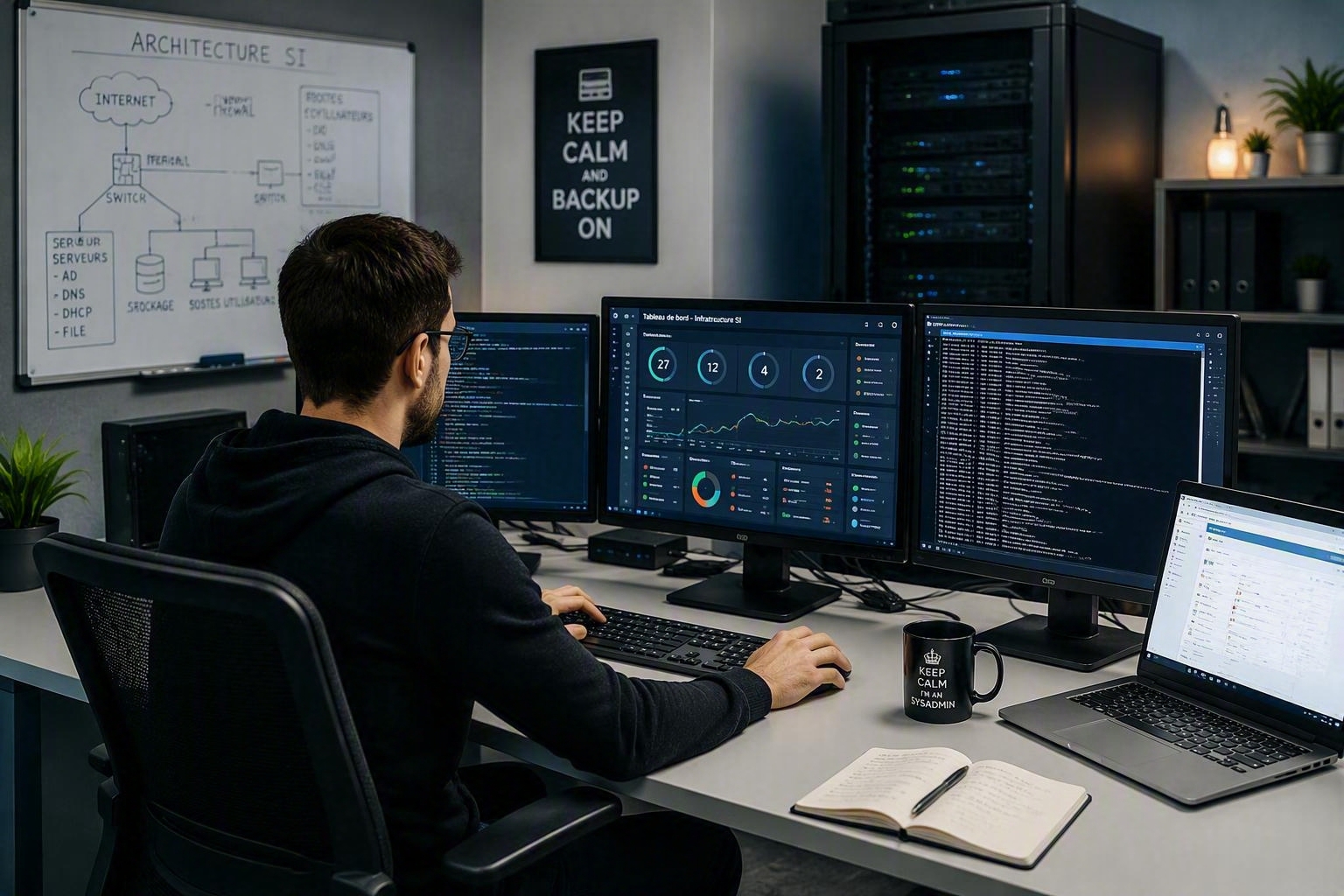
Il est 10h, vous êtes au siège de votre entreprise. Le café coule encore dans votre gobelet, quand vous remarquez le jeune homme qui attend, comme vous, de pouvoir prendre quelques gorgées du nectar des esprits fatigués. Vous échangez quelques mots avec lui et apprenez une troublante vérité : c’est un développeur junior freelance qui travaille déjà depuis plusieurs mois dans le groupe. Pourtant, vous n’avez jamais entendu parler de lui.
Vous interrogez la direction ; elle vous répond qu’elle ne vous a rien dit car vous étiez trop occupé. De fait, ce dév, que vous n’avez jamais onboardé, fait du vibe coding directement dans l’environnement de production.
Dans cet article, nous allons voir comment le vibe-coding transforme la façon de travailler des développeurs, ce que cela implique pour les administrateurs et les CTO, et comment protéger les postes de travail des développeurs face aux nouveaux risques liés à cette pratique.
Vibe Coding : simple buzz ou vraie révolution
Le « vibe coding » consiste à demander à un outil d'IA de générer du code directement exécutable. Des outils tels que Claude, Gemini, DeepSeek ou Cursor permettent de créer des applications très rapidement, parfois avec très peu d'intervention manuelle.
Ce que fait vraiment l'IA
En pratique, certains développeurs rédigent une spécification. Ce document explique ce qu’ils veulent construire, comment cela doit fonctionner et quelles règles doivent être respectées. L’IA génère ensuite le code à partir de cette description. D’autres rédigent des commentaires détaillés directement dans leur code, et l’IA complète la logique. Dans les deux cas, l’idée est la même : le développeur fournit suffisamment de contexte pour que l’IA puisse prendre des décisions au lieu de simplement supposer.
Par exemple, au lieu d’écrire manuellement un endpoint d’API REST, un développeur décrit le schéma, les règles d’authentification et le comportement attendu, et l’IA génère l’endpoint complet, tests inclus. En somme, les vibe codeurs délèguent à l’IA l’un des trois piliers de l’informatique : transformer un besoin métier en une application fiable et fonctionnelle.
Plus rapide mais pas plus simple
Grâce au « vibe coding » les développeurs peuvent créer plus rapidement, tester leurs idées sans attendre et consacrer moins de temps aux tâches répétitives. Cela s'avère également utile pour debugger ou pour trouver des réponses rapides. Le gain de productivité est alors significatif à court terme.
À long terme, cette pratique transforme en profondeur la manière dont les équipes travaillent. Les développeurs écrivent peut-être moins de code, mais ils ne se sentent pas nécessairement moins sous pression. Ils passent en réalité davantage de temps à vérifier, corriger et tenter de comprendre ce que l’IA a généré. En effet, il est plus difficile de relire du code que l’on n’a pas écrit soi-même. Il faut davantage de concentration pour tenter de comprendre. Et comme l’IA n’est pas toujours prévisible, cela peut susciter de la frustration voire du stress.
La relecture du code : une étape plus que jamais indispensable
L’erreur n’est pas qu’humaine. L’IA n’est ni invulnérable ni infaillible. Elle aussi peut se tromper, et ce pour des raisons diverses.
Les limites du bon génie
Toutes, à des degrés variables, peuvent être sujettes à des « hallucinations ». En effet, il arrive qu’un agent génère des réponses qui paraissent correctes de prime abord, alors qu’elles sont erronées. Dans le développement, l’IA peut par exemple inventer des fonctions, créer une logique erronée ou passer à côté de problèmes de sécurité importants. Le deuxième problème est plus grave. Les systèmes d’IA peuvent être manipulés par le biais de ce qu’on appelle l’« injection de prompt ».
Lorsque les outils d’IA récupèrent des données externes, ils peuvent être influencés par des instructions cachées intégrées dans ce contenu. Des chercheurs en sécurité ont démontré que Claude pouvait être dupé par les sources malveillantes lorsqu’ils recherchent des informations en ligne. Un hacker peut ainsi créer une page web malveillante contenant des instructions cachées. L’IA en lisant cette page, exécute ces instructions comme s’il s’agissait d’une entrée légitime, sans détecter la menace.
Du point de vue de l’utilisateur, rien ne semble anormal : l’IA fait simplement son travail. Mais en réalité, cela peut avoir de graves conséquences. Si l’agent IA fonctionne avec des droits d’accès élevés au système, un hacker pourrait alors accéder à des données sensibles, voler des identifiants ou installer des logiciels malveillants sur le PC.
La confiance n’exclut pas le contrôle
Ce crédo qui circule des écoles de cuisine aux rangs de soldats en formation, devrait trouver sa place parmi les adeptes du vibe coding. Dans le cas du développeur, contrôler c’est avant tout remettre systématiquement en question les résultats de l’IA, en demandant des sources, en vérifiant les faits, et en s’assurant que les conclusions s’appuient sur des preuves tangibles.
Que fait réellement ce morceau de code ? Quelles preuves montrent que le problème provient d’une partie spécifique de l’infrastructure ? C’est ce type de réflexion qui permet à l’IA de révéler tout son potentiel.
L’IA peut aider, mais elle ne peut pas remplacer la responsabilité. C’est pourquoi les revues de code, les tests et les contrôles de sécurité doivent toujours faire partie du processus.
Malgré ses limites, le plus grand risque ne vient pas de la technologie en elle-même : elle vient de la façon dont les gens l’utilisent. Il peut sembler tentant de sauter l’étape de la vérification du code pour gagner du temps. Or, cette étape devient d’autant plus cruciale à l’heure du développement assisté par IA.
Encadrer le Vibe Coding sans l'interdire
Au-delà des pratiques des développeurs, le CTO a aussi un rôle à jouer. Ses choix architecturaux et technologiques doivent permettre de fournir aux développeurs un environnement adapté à leurs besoins. Ceux-ci devraient disposer d’un espace dédié, adapté à leur activité.
Repenser le poste de travail du développeur
En général, un développeur se voit octroyer un poste d’entreprise standard dont les politiques de sécurité standards freinent sa productivité. Résultat : des requêtes à n’en plus finir auprès de l’administrateur pour obtenir une élévation de ses droits. Parfois, ce dernier finit par céder. Le développeur est ravi, l’admin ne dort plus la nuit. Quant au RSSI...
Quand l’inverse se produit, le développeur n’obtient pas gain de cause, il cherchera, comme tout utilisateur censé, une alternative pour parvenir à son but. Pour le meilleur et pour le pire. L’admin et le RSSI ne le découvriront que trop tard, lorsqu’un poste dev sera compromis.
A cela s’ajoute le nombre de postes de travail qu’il doit utiliser. Si pour des raisons de sécurité, l'environnement de développement et celui de l’entreprise sont séparés pour des raisons de sécurité, dans la pratique opérationnelle cela se traduit par un ballet ininterrompu entre deux postes de travail : deux SI, deux écrans, double peine.
Pourtant de nouvelles approches pourraient permettre aux développeurs d’avoir, enfin, un environnement de travail adapté à leurs besoins réels.
Le poste multi-environnements : vers un modèle plus adapté pour les développeurs
Pour une utilisation sécurisée des outils d’IA, une approche structurée s’impose.
Si les développeurs utilisent des outils d’IA, ceux-ci doivent fonctionner dans un environnement dédié et isolé. Concrètement, cela implique de travailler dans au moins deux espaces distincts. D’une part, un environnement de développement, équipé de leurs outils habituels (y compris l’IA), pour leurs activités quotidiennes. D’autre part, un environnement spécifiquement conçu pour tester le code généré par l’IA avant toute intégration en production.
Ainsi, au lieu de s’exécuter directement dans l’espace principal de l’utilisateur (l’environnement Entreprise par exemple), Claude Code peut être installé dans son propre profil de système d’exploitation. Ainsi, l’accès aux fichiers et aux applications est limité par conception, plutôt que laissé à l’appréciation de chacun.
Cela ouvre la voie à une réflexion plus large sur l’architecture des postes de travail. Les postes multi-environnements, tels que définis par l’ANSSI semblent offrir un cadre solide. Ils rendent possible l’exécution, sur un même poste de plusieurs SI. Pour les développeurs, cela signifie qu’un seul PC peut héberger un espace utilisé pour le travail quotidien, un autre pour les données hautement sensibles, et un troisième pour les tâches assistées par l’IA. Pas de multiboot, mais un cloisonnement étanche entre leurs différents environnements.
Cette structure permet de contrôler finement ce à quoi l’IA peut accéder et ce qu’elle peut influencer à tout moment. Exécuter les outils d’IA dans une machine virtuelle, idéalement gérée par un hyperviseur de type 1, ajoute une couche de séparation supplémentaire entre le système hébergeant les données sensibles et celui interagissant avec l’IA. Si cela ne supprime pas les risques, cette approche en réduit la portée, passant d’une exposition large à une exposition strictement maîtrisée.
Conclusion: reprendre le contrôle face à l’IA et protéger les postes dév
Qu’ils le pratiquent ou non, la protection des postes de développeurs est essentielle pour protéger l’architecture que vous avez méticuleusement conçue. La première étape de cette consiste à leur fournir un environnement dédié, afin d'éviter toute contamination du système entier en cas de compromission d’un poste.
Le poste multi-environnement représente une approche équilibrée entre autonomie, ergonomie et sécurité, grâce à un cloisonnement strict entre les espaces de travail. Notre solution va plus loin. En plus de faciliter le déploiement de ce type de poste, elle simplifie la gestion du parc par les admins. Depuis la console centralisée, ils gèrent, entre autres, politiques de sécurité, mises à jour et les domaines de sécurité.
Parce que chez Kerys, nous pensons qu'à l'ère de l'IA le talent des équipes réside dans leur jugement humain : savoir ce qui doit être vérifié, repérer les détails manquants et cerner les limites du modèle.
Cela pourrait aussi vous intéresser






Prêt à isoler
Sans compromis ?
Démonstration en direct par des spécialistes qui ont résolu ce problème pour des équipes comme la vôtre.
.svg)